| ※Please introduce TS2 when you join "orejapa". |
The mike and the headphone are necessary.

|
Method of setting TS2(TeamSpeak2)
| ※Please introduce TS2 when you join "orejapa". |
| The mike and the headphone are necessary.
|
|
■The mike and the speaker are connected with the personal computer. |
<<Installation of TS2>>
It explains in the WindowsXP.
↓
 Click"YES" ↓ 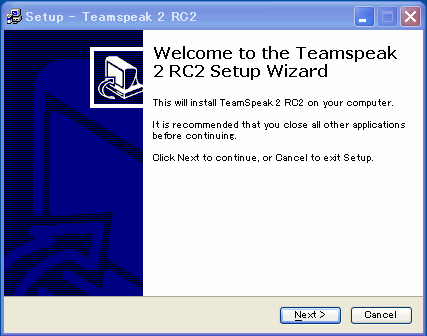 Click”Next” ↓ 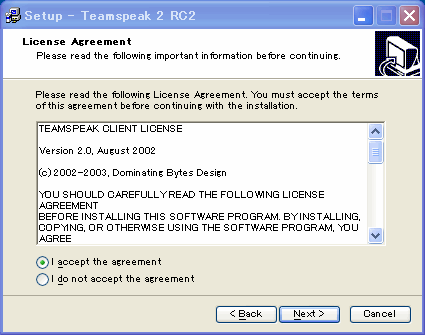 Check”I accept the agreement”and click”Next” ↓ Click"Next"and”install” ↓ 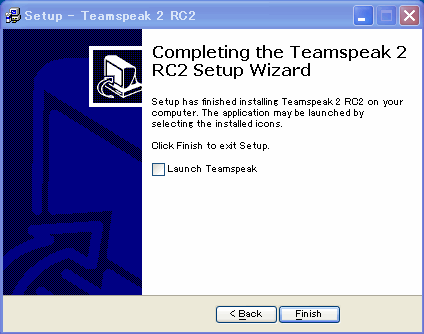 On this screen The check on "Launch Teamspeak" is removed. ↓ Click”Finish" ↓ It is installation of TS2 completion. The following are explanations of the connection method.
 "Connection" → ”Quick connection” ↓ 
Click"connedtion" ↓ 
It looks for "DoD:S 同好会" It double-clicks it when finding it. The password is input. ---2142 ↓ It enters the server!. When you start TS2 as follows "Connection" is chosen from "Connection" tab above, and the server name is chosen from address book. Input ①default Channel-----DoD:S 同好会 ②Channel password-----------2142 If the connection is clicked, it is OK
|
 Windows


